Can the run reach the target?
Read the area's live requirements and inspect training if access is the issue.

Train. Send your clones. Build pet income.
Clone to Steal Eggs is a Roblox experience by xFrozen x Dudes built around training for speed, using clones to steal eggs and earning cash with pets. This independent wiki connects beginner guides, clone controls, pet-income checks and a cash calculator, with source limits visible when current prices, catalogs or odds are not verified.
Independent fan wiki. Not affiliated with Roblox or xFrozen x Dudes.
These distinct guides were checked against the official description and dated creator gameplay on October 5, 2026. A review date is not a game patch date.
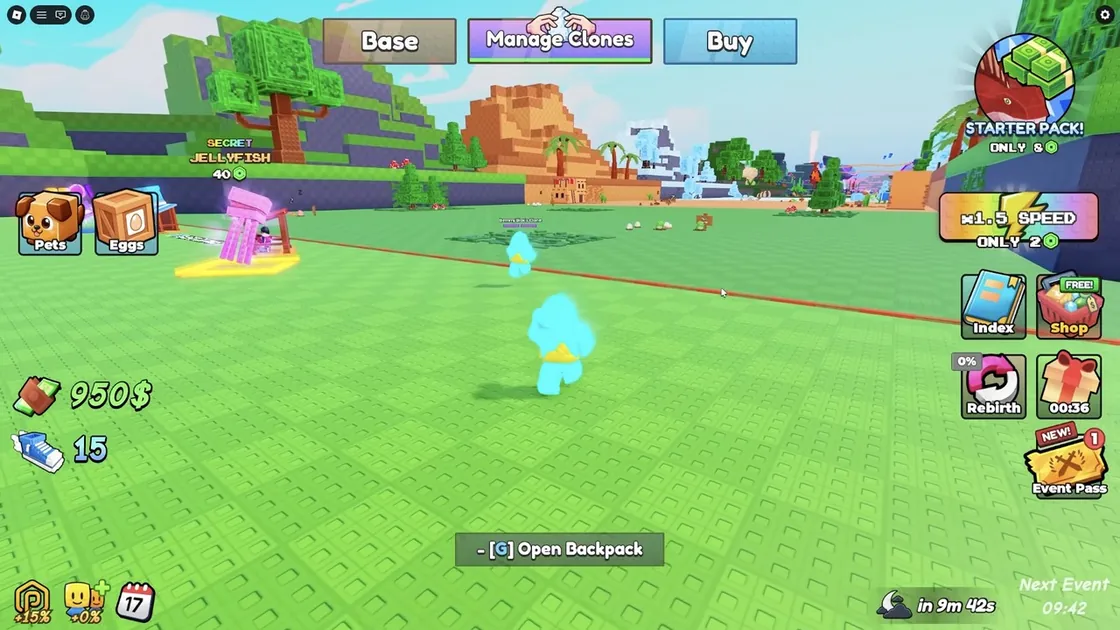
Start by training, using the clone portal and inspecting pets at your base. Follow one complete run before choosing upgrades.
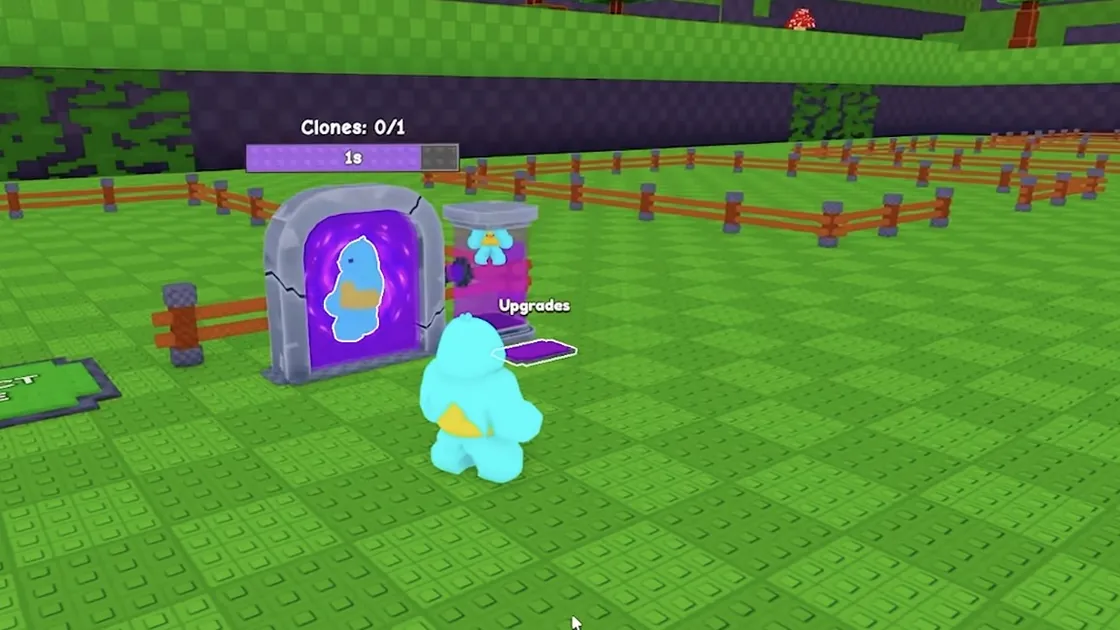
Find the portal, inspect Manage Clones and test one run. Check the live effect and price of each clone upgrade before buying it.
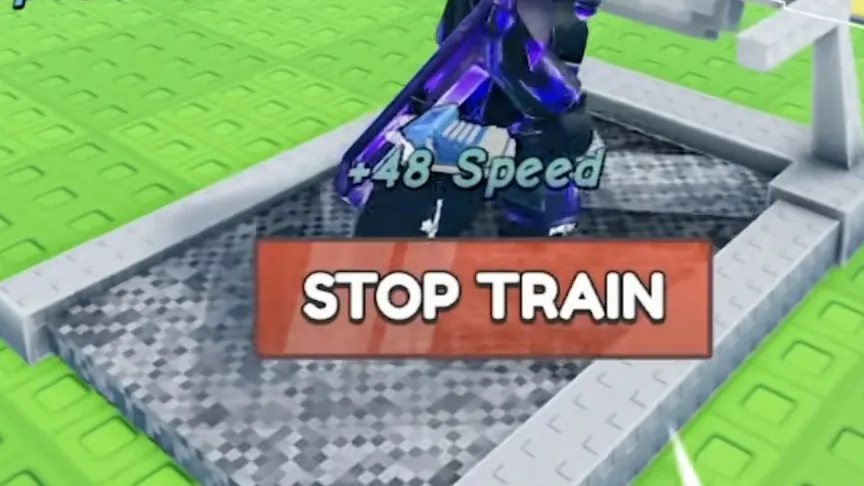
Use the displayed speed and area requirements to choose a training goal; compare a clone run before and after the change.
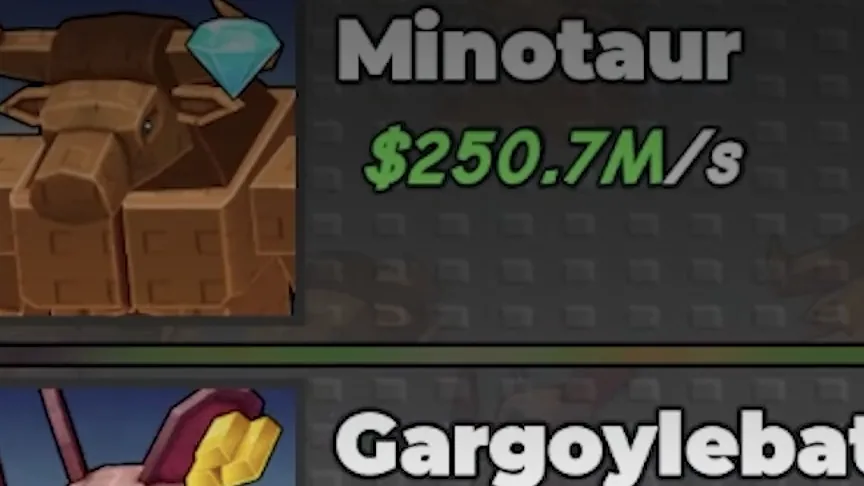
Inspect your base's pet slots and equipment controls. The official loop says pets earn cash; a dated tutorial shows slots and Equip Best.
A reviewed creator session shows rebirth and a cash boost. Read the current confirmation screen; the wiki has not verified everything a reset retains or removes.
No active code string is verified by this wiki. Check a target-game developer announcement and the live interface before trusting a reward claim.
Each route answers a different player question: learn the loop, configure clones, inspect income or plan a reset.
The confirmed loop is training for speed, using clones to steal eggs and earning cash with pets; interface details come from dated creator gameplay.
Find the portal, inspect Manage Clones and test one run. Check the live effect and price of each clone upgrade before buying it.
Compare the income display under the same conditions, or measure a controlled cash change. Use that rate in the calculator without inventing pet stats.
A reviewed creator session shows rebirth and a cash boost. Read the current confirmation screen; the wiki has not verified everything a reset retains or removes.
The developer establishes training, clone stealing and pet cash. This suggested route turns those systems into things you can observe before spending.
Know what limits your next runIdentify speed, clone controls and the current pet-income setup.
Start with the training option shown in your base.
You know where training happens and can see the stat it affects.
Move from training into the clone-stealing loop.
You can identify clone count and the current portal controls.
Watch what your current clones can do in a reachable area.
You can tell whether the clone reaches its target and whether an egg returns.
Turn a completed run into a decision about your setup.
You know whether training, clone management, pet space or cash is limiting the next attempt.
Comparisons are easier to interpret when the target and conditions stay the same.
Complete beginner guideNo active string is verified in this wiki's reviewed sources. That does not establish that no redemption feature exists.
Read the code verification pageNo copied strings from other games and no invented expiration dates.
Use the xFrozen x Dudes experience linked on this site.
A developer post should contain the exact string and relevant terms.
Record the game's current redemption response before calling a code active.
The official loop and dated creator footage establish these systems. Current costs and comparative rates are not a complete measured database.
A suggested first check; no universal fastest-training claim.
Upgrade priorities depend on the bottleneck in your session.
This is not a named pet tier list or a published income database.
Do not assume pets, cash or speed are retained.
Read this as a sequence of checks. Your session can require a different purchase.
These entries are workflow and coverage records, not invented egg species. A complete egg table is still unverified.
A confirmed core action, rather than a named egg or promised hatch.
Use clones to steal eggs
Target area and live requirements
Observe one run and the result at your base
The complete current list and hatch odds are not verified.
Separate a known loop from unknown item data
Exact egg name, source and date
Open the coverage page before trusting a catalog
These are setup checks, not pet species. Read equipped pets, slots and the current income display before evaluating a change.
| Pet income measurement | Cash per second and measurement conditions | Enter your result in the calculator |
|---|---|---|
| Equipped pet setup | Active slots, equipped pets and boosts | Record a rate under matching conditions |
Check the visible problem before spending. This is a diagnostic method, not a claim that every player should buy the same upgrade.
Read the area's live requirements and inspect training if access is the issue.
Read the current Manage Clones options and each upgrade's stated effect.
Inspect the equipped setup and compare the current cash rate under matching conditions.
Observe the result in the same area or income display.
Keep the change if it addresses your intended problem.
Avoid assigning a made-up cash return to a speed upgrade.
Read the current interface and collect better evidence first.
A price, a visible effect and a clear condition are more useful than an unsupported universal ranking.
These are possible checks, not verified causes for every failed run. Match the symptom to what your live interface shows.
You cannot select or reach the next target area.
Possible causeCompare the displayed requirement with your current stat; this wiki does not publish fixed thresholds.
The clone run needs a closer look before another purchase.
Possible causeThe source set does not establish every failure rule; observe the run and menu instead of guessing.
Your assumed rate or collection conditions may need checking.
Possible causeA steady-rate formula cannot account for unrecorded purchases, rewards, boosts or setup changes.
Use the core loop to learn what your current setup can do. Each stage ends with a result you can inspect.
Use the live display to choose the next test.
Read the current prompt.
Check the displayed change.
Use its current requirement.
You know your current stat and the target you intend to test.
The official description confirms clones steal eggs. Use the actual portal and target controls in your session.
Record what reached the base rather than assuming a reward or hatch probability.
Use the base's current controls to inspect your setup.
Check what is equipped and what rate is shown.
Set a reserve and enter the live price in the calculator.
Keep the conditions consistent when comparing your next upgrade.
These records make the next decision easier to explain.
Clone to Steal Eggs is the Roblox experience by xFrozen x Dudes. Its official description says to train for speed, use clones to steal eggs and use pets to earn cash. This wiki covers that exact experience.
This wiki has no verified active code strings. The inspected official description does not publish a code list; that does not prove the game has no redemption system. Do not use a string from a similarly named game.
A reliable named pet ranking is not available in this wiki's evidence set. Compare the current income display, equipped slots and the job you need a pet to do. The comparison page offers a decision framework, not invented pet stats.
It calculates a purchase budget, time to save and upgrade payback from values you enter. It assumes fixed prices and steady income. It does not predict hatches, bonuses, offline income or future game changes.
No. Clone to Steal Eggs Wiki is an independent fan resource. Roblox and xFrozen x Dudes operate the game and official account, purchase and support channels.